

What MCP is, in one minute
An agent on its own can read files, edit them and run shell commands. That covers a lot, but some jobs are clumsy that way. Querying a SQLite database through the shell, or checking a web page by parsing curl output, works, but the agent wastes steps and makes mistakes.
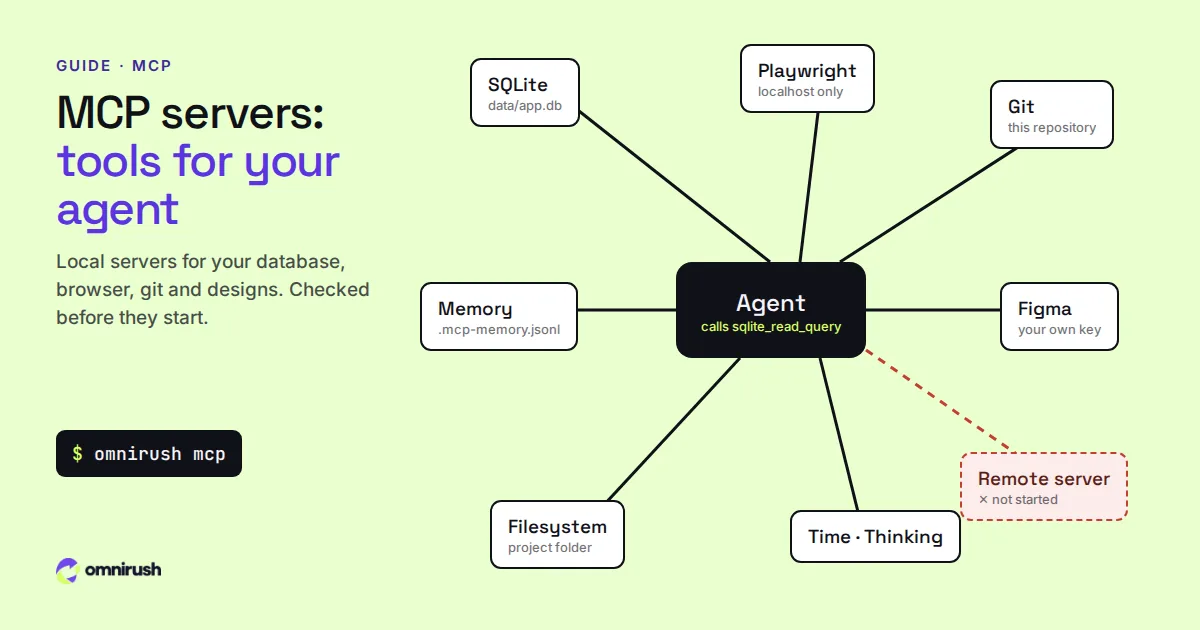
MCP is an open protocol for plugging tools into an agent. A server, usually started with npx or uvx, describes its tools ("run a query", "open a page and click", "show the git log"), and the agent decides when to call them. The agent sees them as tools named after the server, such as sqlite_read_query or playwright_browser_click.
Which MCP servers help with coding
Start with one or two that match a real need. More servers mean more tools for the model to choose from, and more to go wrong.
| Server | Use it when | Package |
|---|---|---|
| SQLite | Your app keeps data in a .db file and the agent should read or change it | mcp-server-sqlite-npx |
| Playwright | The agent should open your app on localhost, click through it and check the result | @playwright/mcp |
| Git | You want structured git status, diff, log and branches | mcp-server-git (Python, via uvx) |
| Memory | Facts the agent learns about the project should carry over to the next chat | @modelcontextprotocol/server-memory |
| Figma | You build UI from Figma designs | figma-developer-mcp, with your own Figma key |
| Filesystem | You want file tools limited to set folders | @modelcontextprotocol/server-filesystem |
| Time, sequential thinking | Time zone maths; structured step-by-step reasoning | mcp-server-time, @modelcontextprotocol/server-sequential-thinking |
Start with one or two servers that match a real need. More servers mean more tools to choose from, and more to go wrong.
Set up an MCP server in OmniRush, step by step
OmniRush uses opencode's config format. Servers go under "mcp" in the project's opencode.json (or .opencode/opencode.json), or for every project in ~/.config/omnirush/opencode.json.
1. Add the server
This gives the agent a SQLite database in the project and a browser for your local app:
{
  "mcp": {
    "sqlite": {
      "type": "local",
      "command": ["npx", "-y", "mcp-server-sqlite-npx", "data/app.db"]
    },
    "playwright": {
      "type": "local",
      "command": ["npx", "-y", "@playwright/mcp"]
    }
  }
}
Leave the version out and OmniRush runs the version on its supported list. Paths must point inside the project.
2. Check it
$ omnirush mcpomnirush mcp lists this folder's servers: which ones will start, which are blocked and why, and the full supported list. In the desktop app, the same lives in Settings > MCP.
3. Start a chat and use it
$ omnirush
> Use the sqlite server to find orders in data/app.db with a
  negative total. Then fix the bug in src/orders/total.ts that
  creates them, add a test, and run npm test.
In the app, /mcp shows the servers that are on. A notice at the start names any that were left out, with the reason; with -p the same lines go to stderr.
Permissions: what asks first
MCP tools follow the same permission modes as the agent's own tools:
- Normal (the default): tools that change something ask first, such as writing files, writing to a database or committing. Read-only tools run freely.
- Careful: every MCP tool asks.
- Auto: nothing asks. Good for trusted projects and the sandbox.
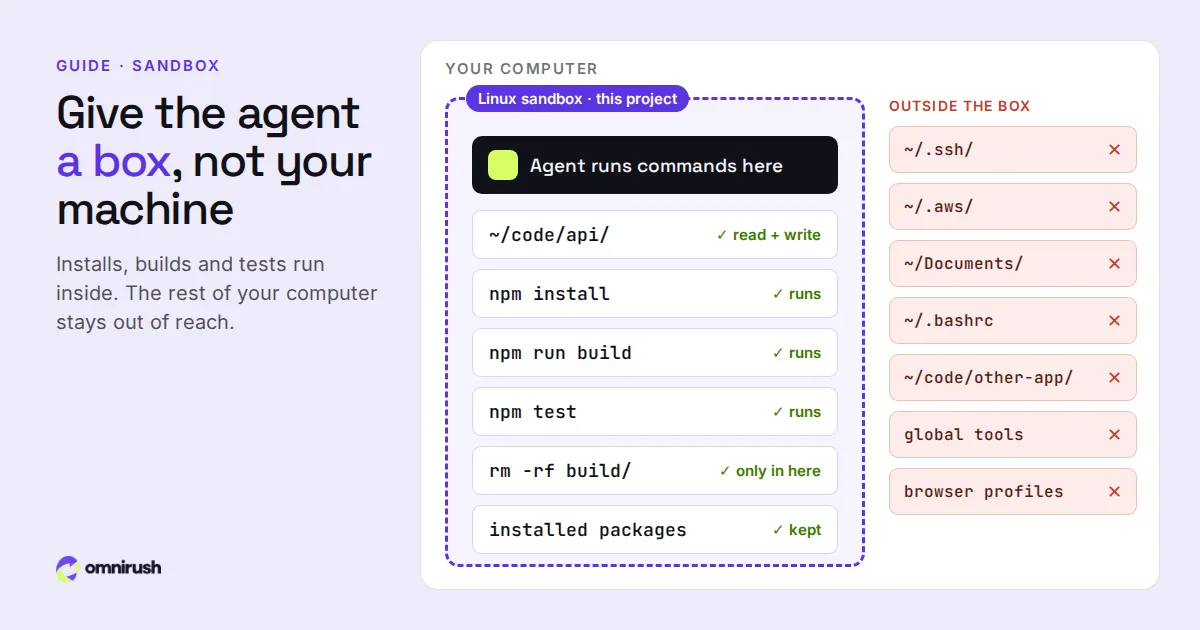
Answer with one key: y allows once, a always (until you close the CLI; for this chat in the desktop app), n denies. With the project's sandbox on, which is the default for new chats, the servers run inside the sandbox with the agent's commands.
What OmniRush does not start, and why
OmniRush starts local servers from a supported list and checks exactly what each one runs. That keeps a cloned repository from starting arbitrary programs just because its opencode.json says so. It does not start:
- Servers that are not on the list, or that it cannot identify (a script path, docker run, a bare binary).
- Servers pointed outside the project, such as a filesystem server on your home folder, or a browser attached to your own browser profile.
- Most remote servers, and servers that sign in to an account such as GitHub or Slack.
Blocked servers stay in your config, so other tools that read the same file can still use them. The list comes from the server, so new entries arrive without an app update.
Three MCP workflows worth trying
Test the UI the agent just built
Run the dev server in the sandbox, then ask the agent to open localhost with Playwright, go through the sign-up form and report anything broken. It fixes what it finds and checks again.
Debug with real data
With SQLite, the agent can look at the rows that trigger a bug instead of guessing from code, and write a regression test from them.
Build from a design
With the Figma server and your FIGMA_API_KEY in your own environment, ask the agent to build a component from a Figma frame link and match its spacing and colours. In Normal mode only its read tools run without asking.
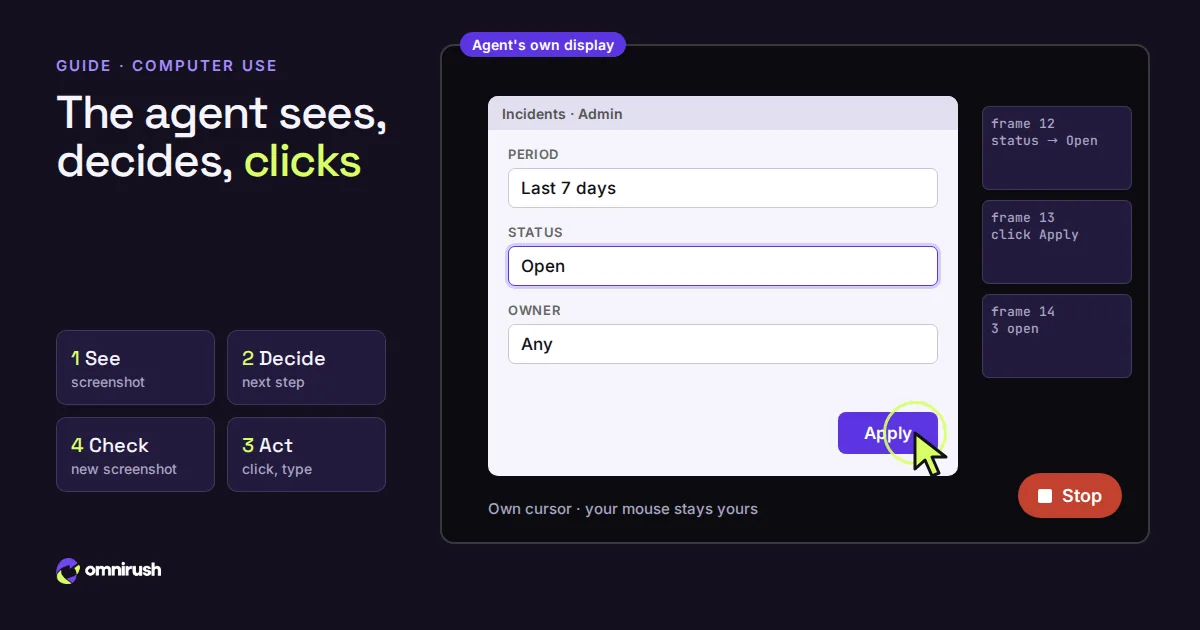
MCP is one way an agent reaches beyond the shell; computer use is another, for apps with no API at all. OmniRush runs on the open-source opencode engine; see OmniRush vs opencode for what it adds.
Questions
What is an MCP server in a coding agent?
A small program that gives the agent extra tools through the Model Context Protocol, such as running SQL against a database or driving a browser. The agent calls those tools the same way it calls its own file and shell tools.
Where do I put MCP servers for OmniRush?
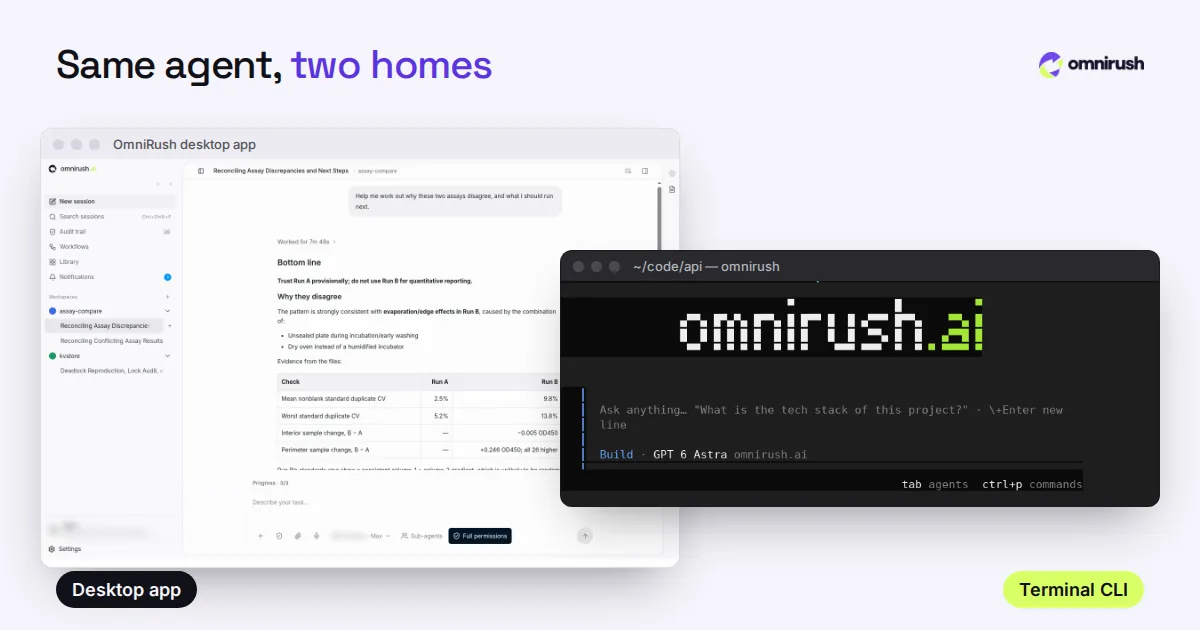
Under "mcp" in the project's opencode.json or .opencode/opencode.json, or in ~/.config/omnirush/opencode.json for every project. In the desktop app, use Settings > MCP. Run omnirush mcp to check which servers start.
Which MCP servers does OmniRush support?
Local servers from a supported list: filesystem, git, SQLite, memory, sequential thinking, time, the MCP reference server, Playwright on local pages, and Figma with your own key. omnirush mcp shows the current list, which can grow without an app update.
Why did my MCP server not start?
omnirush mcp says why. Common reasons: the server is not on the supported list, it points outside the project folder, it is a remote server, or it was added while a session was running (start a new session after changing opencode.json).
Do MCP tools need approval?
In the Normal mode, tools that change something (writing files, a database or the repository) ask first, and read-only tools run freely. Careful asks for every tool; Auto for none.
Sources
Checked on October 23, 2026. Prices and features change: check each official page before you decide.
- Model Context Protocol (modelcontextprotocol.io)
- opencode MCP server config (opencode.ai)
- OmniRush Privacy Policy (what is collected and how it is used)
- OmniRush Terms of Service (free access and allowances)
- OmniRush desktop app source and releases (GitHub)
- OmniRush command-line tool on npm
- OmniRush changelog (what each release added)
OmniRush is not affiliated with or endorsed by Anysphere (Cursor), Anthropic (Claude Code), Anomaly (opencode), the Freebuff and Codebuff team, OpenAI (GPT, Codex), Microsoft (Windows), Apple (macOS) or Figma. Product names are trademarks of their owners and are used only to identify their products.